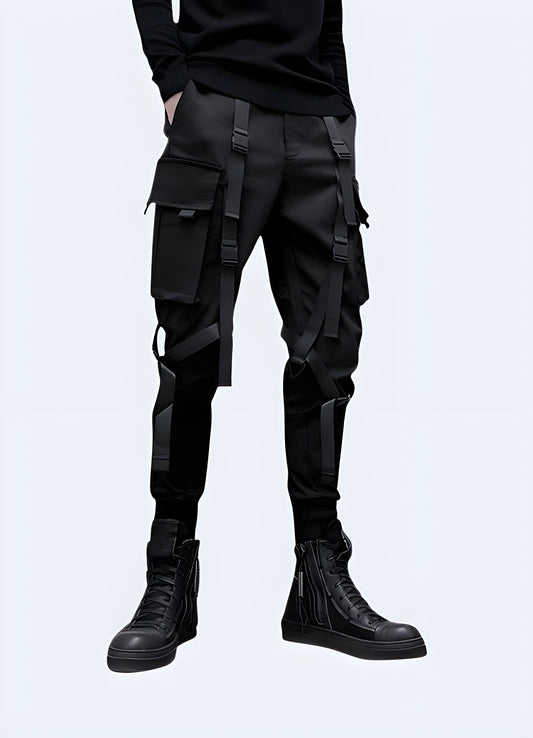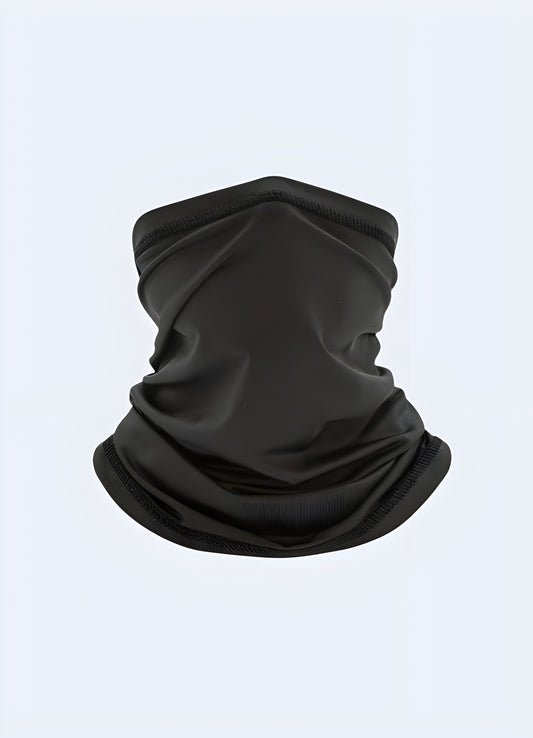


Browse the catalog and find a piece you want to test.
Look for the [ INITIATE VIRTUAL TRY-ON ] button located directly underneath the Add to Bag button on the product page.

Tap the button and upload a clear, front-facing photo of yourself. The system will instantly analyze your photo and accurately map the garment onto your body so you can see the true drape and fit.

Save your final try-on image and share it to your Instagram feed or story.
Tag @techwearaustralia and use #TechwearAustralia.
We review these tags daily to upgrade select customers to official Syndicate Operative status, granting you exclusive ambassador perks.